How to track study time with a Pomodoro timer
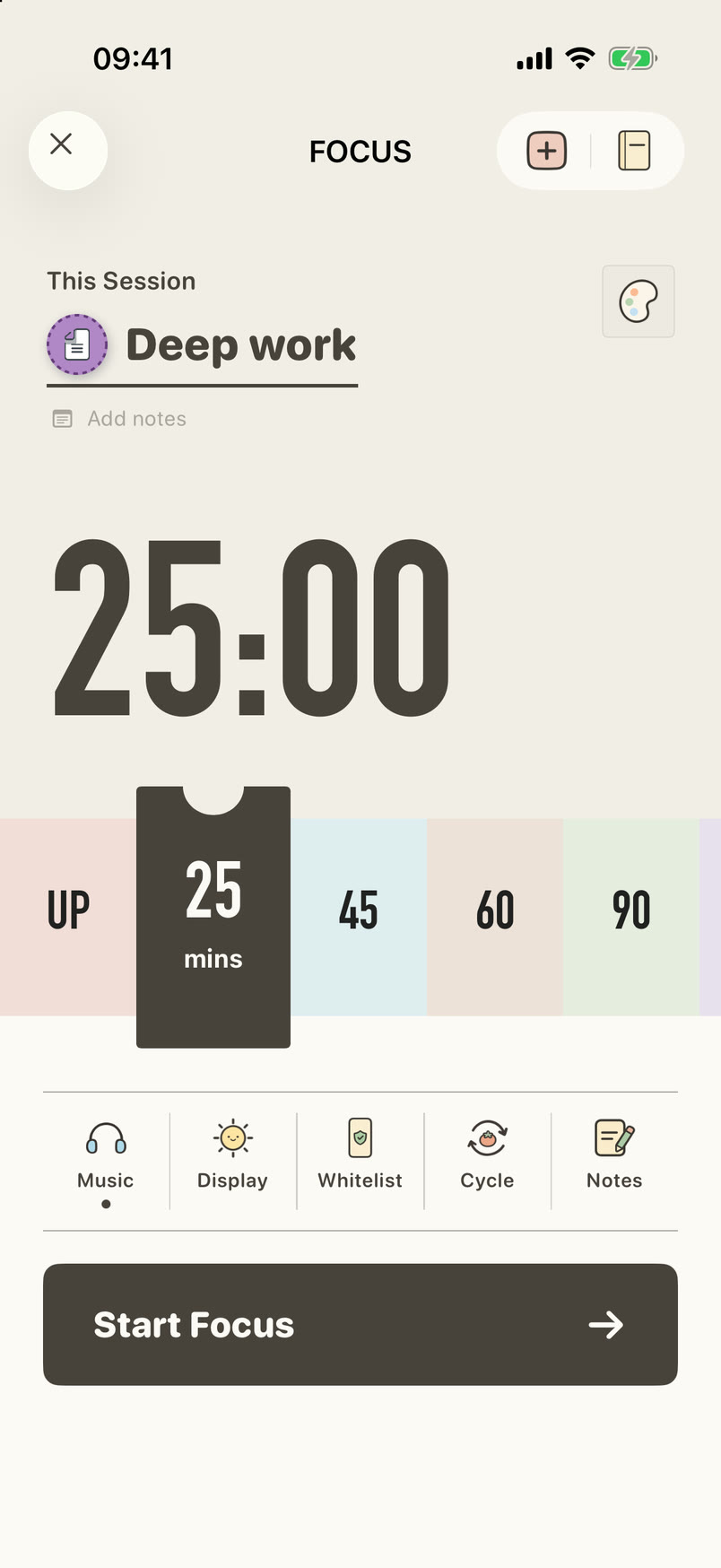
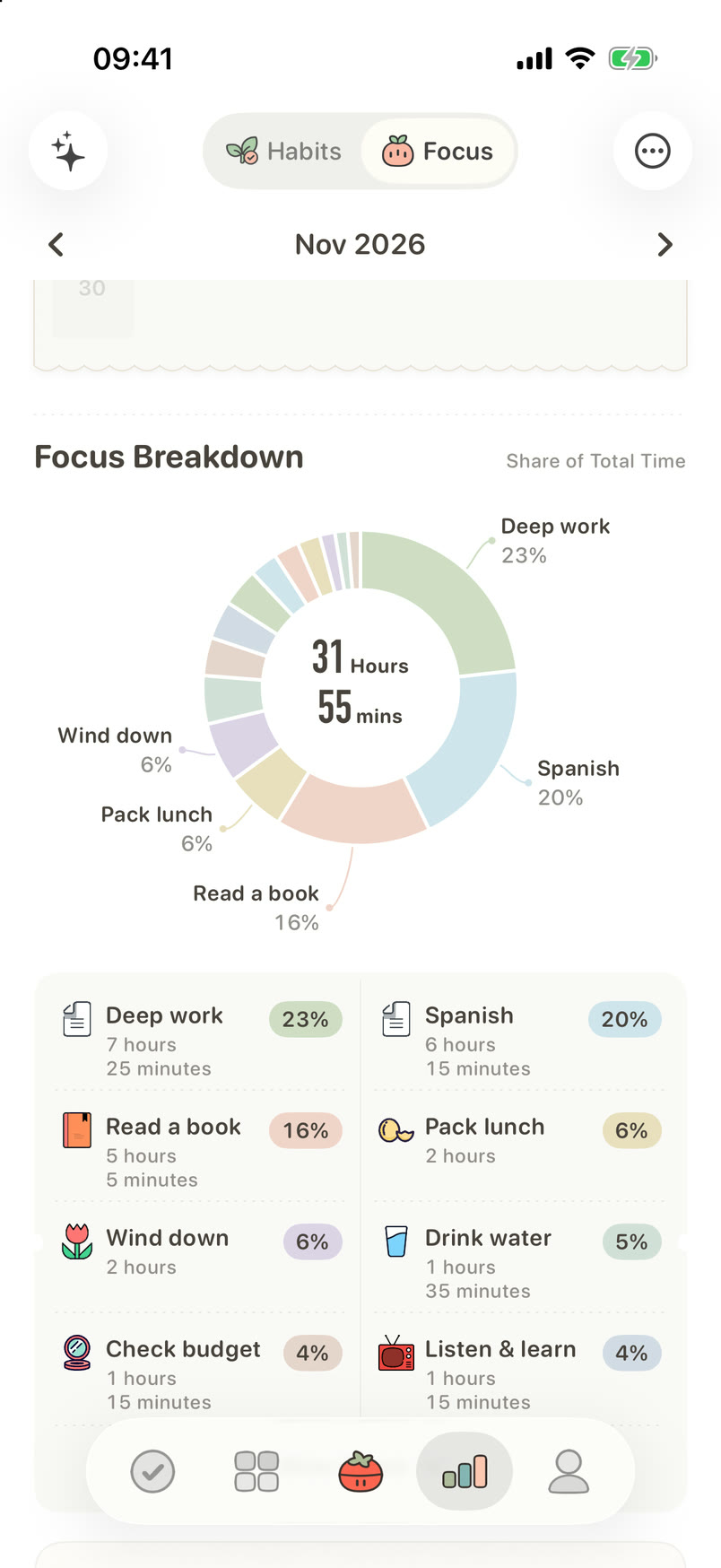
On iPhone, choose a study habit or project before starting ShineDay’s Pomodoro timer. The time you log appears under that habit or project in Focus Breakdown.
Pick what you’ll study
Choose a specific task for the session, such as reviewing your biology notes for one chapter. On the Focus screen, select the habit or project you want the time logged under, such as Biology review.
Start one focus session
Try 25 minutes of study followed by a five-minute break. You can adjust the focus and break lengths in ShineDay. Tap Start Focus and stick with the task you picked until the session ends.
Review where your time went
Open Focus Breakdown to see the minutes logged for each habit or project. If two subjects have exams coming up, give each one its own project so you can see how you’ve divided your study time.