How to track your daily reading time
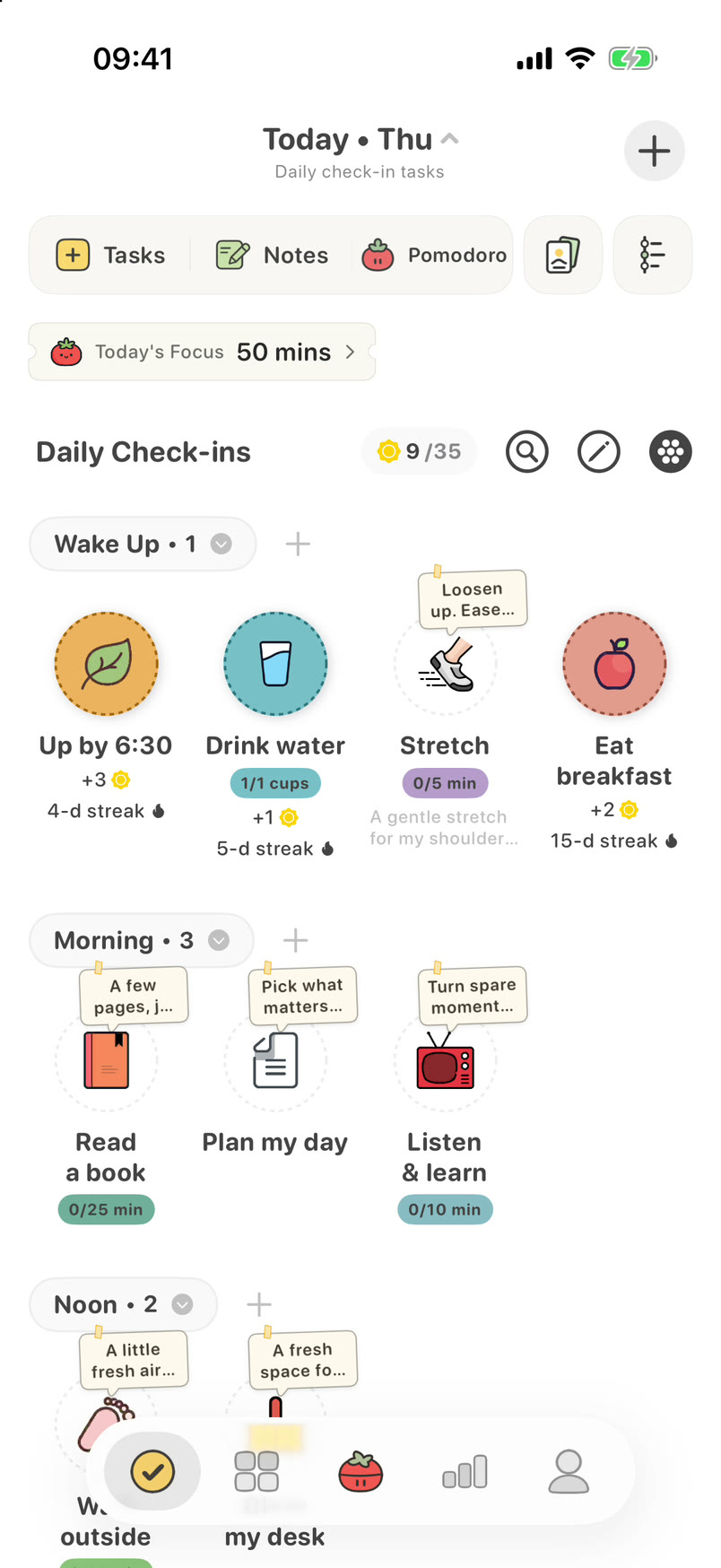
Create a reading habit measured in minutes. If your goal is 25 minutes a day, you can log 10 minutes over breakfast and another 15 before bed. ShineDay adds both sessions to the same daily goal.
Set a daily reading goal
Create a habit called Read a book and set it to repeat daily. In ShineDay Premium, turn on Quantified Tracking and choose minutes as the unit. Try a goal of 25 minutes if you already have two short reading breaks.
Add minutes on Today
Enable Quick Check-in and set the increment to five minutes. On Today, tap Read a book twice after the first 10 minutes, then three more times after the second 15-minute session. Today shows 25 of 25 minutes and completes the habit.
Check how much you read this week
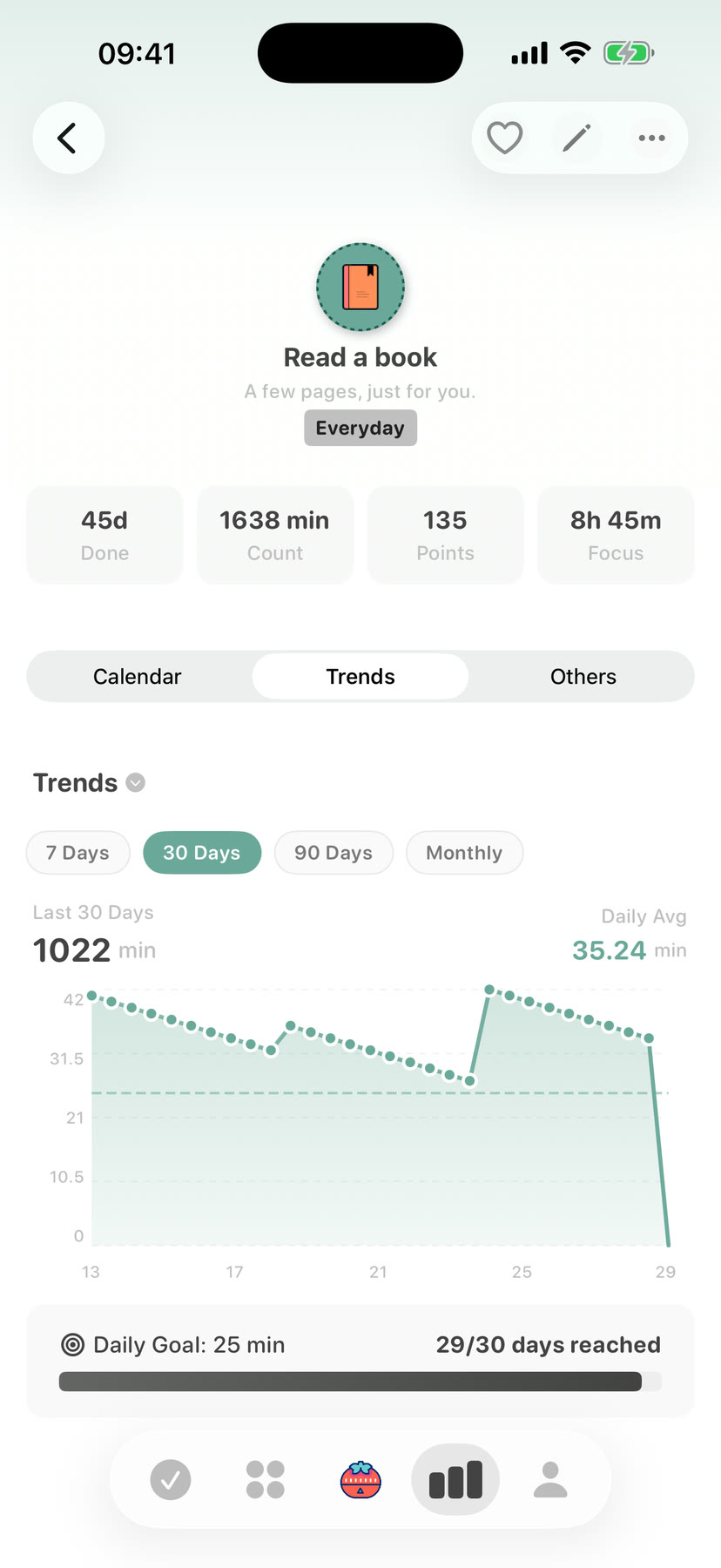
In the habit report, open Quantity totals to see how many minutes you logged that week. Open your reading habit’s trend chart to see the daily average and how often you reached your goal.