
ShineDay features

See how to check off habits, log progress toward daily goals, and find out where your focus time goes.
Daily Check-ins
Check off habits as you go.
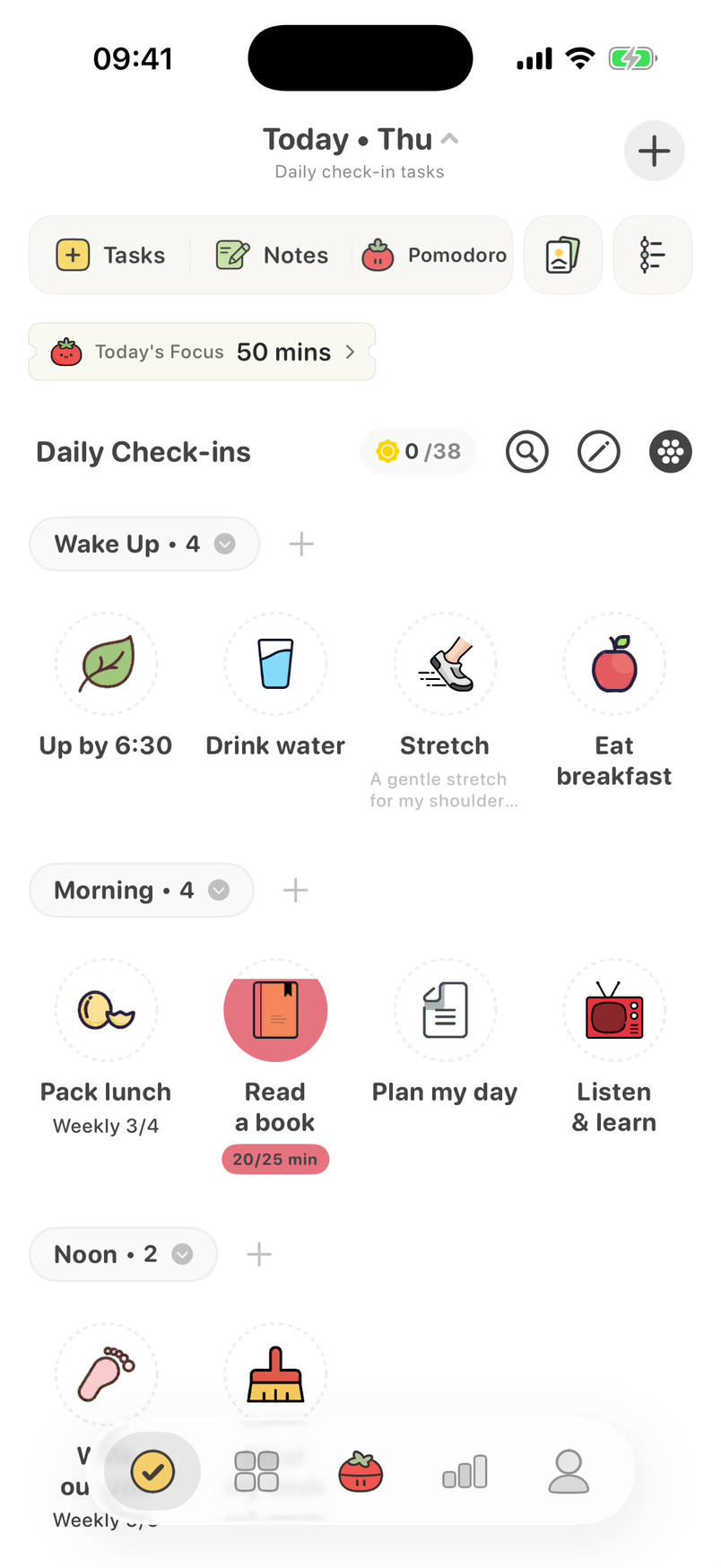
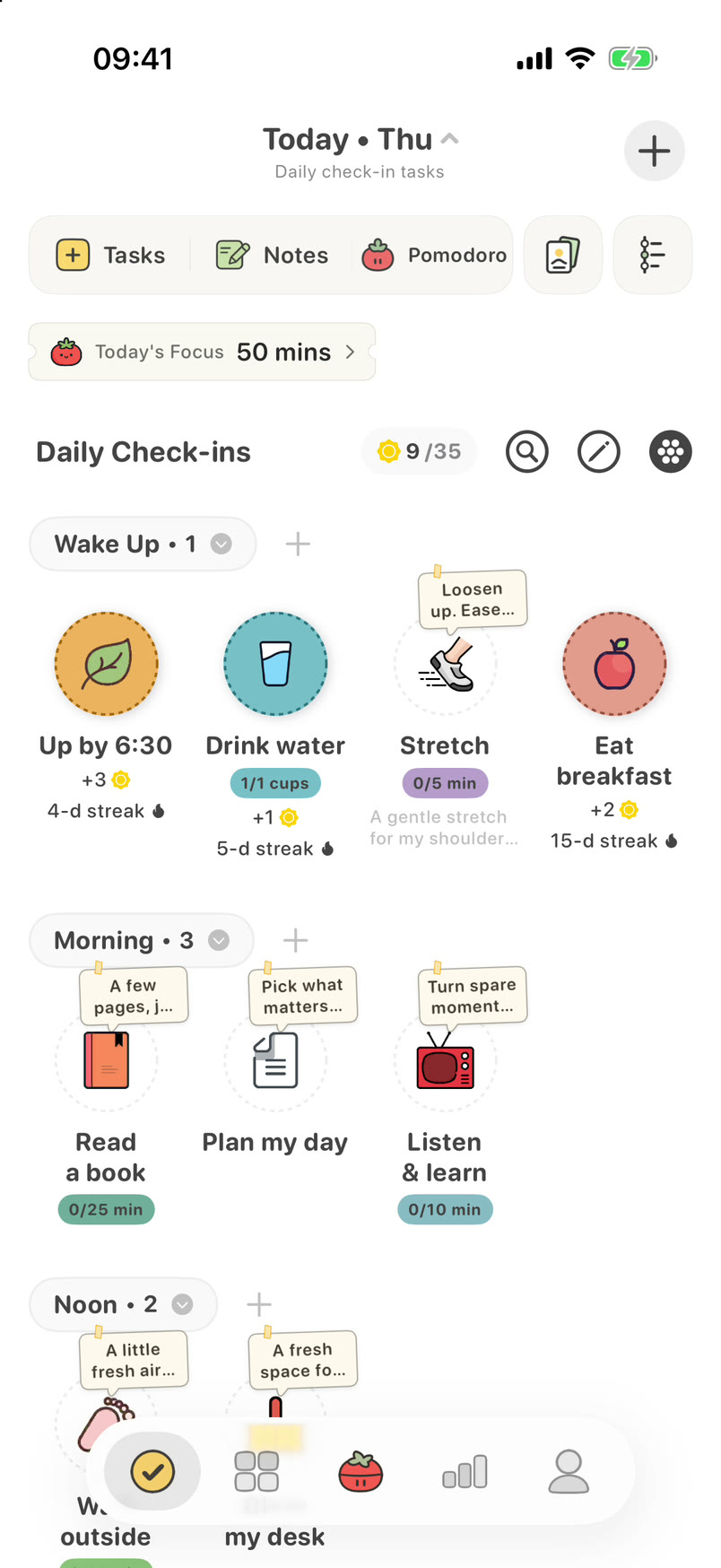
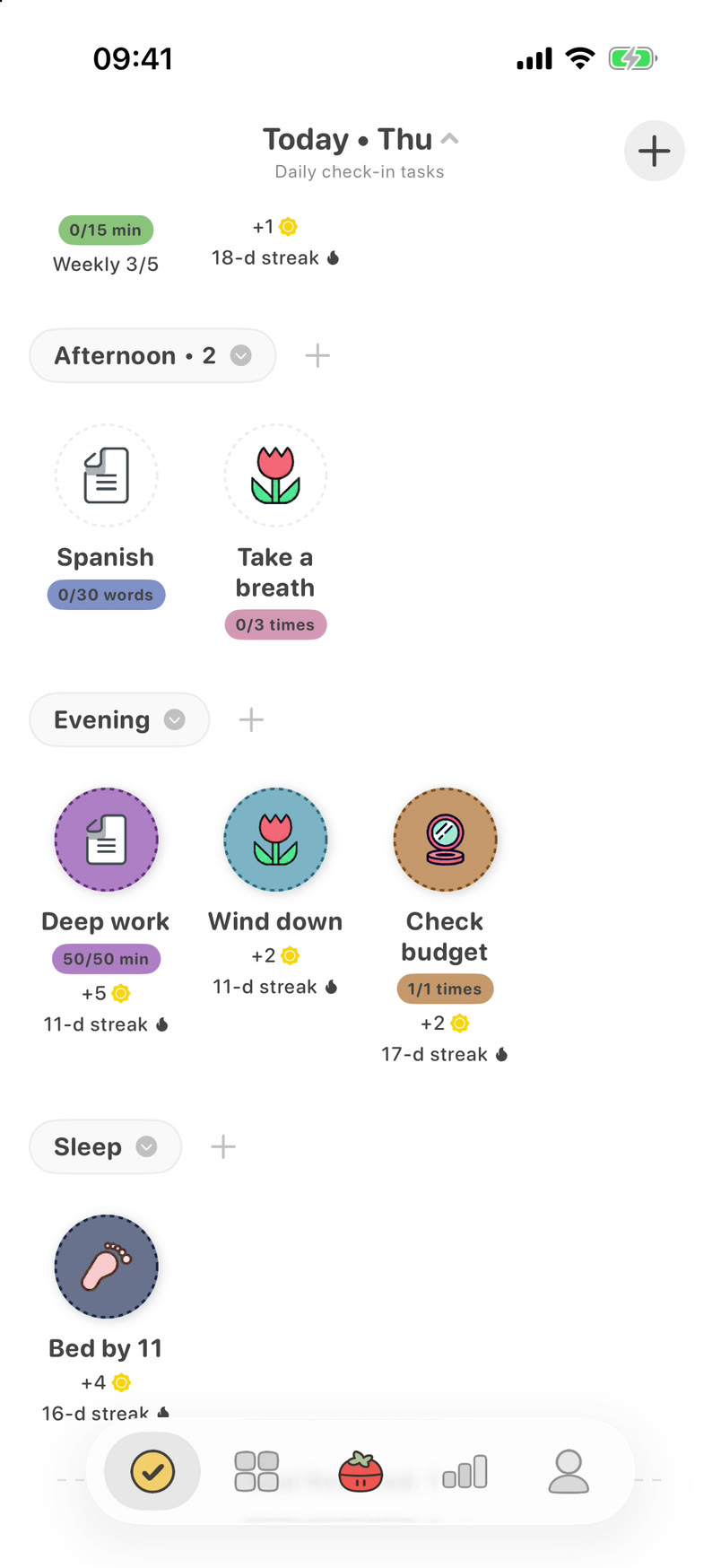
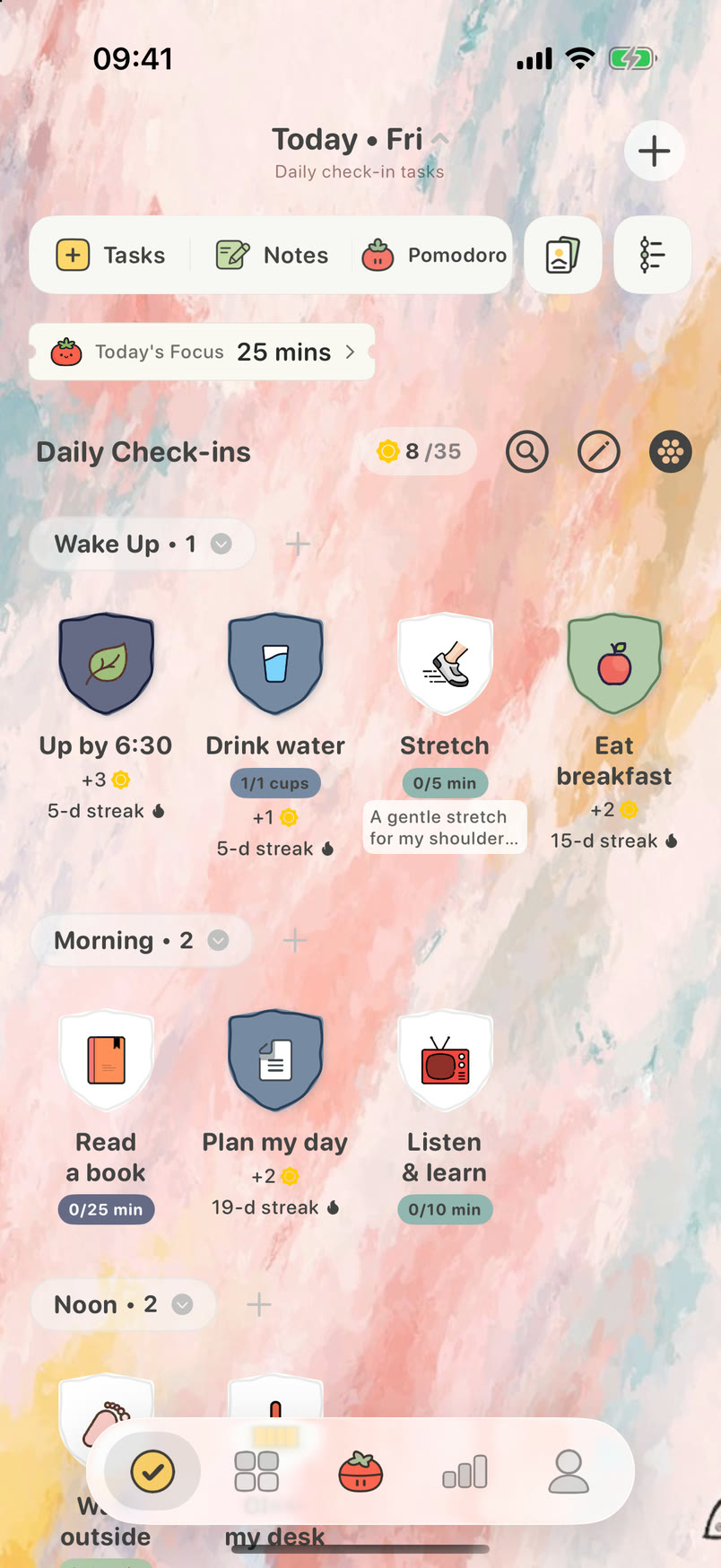
Group habits by time of day so your morning reading and evening stretches are easy to find on the Today screen.
- Plan around your day
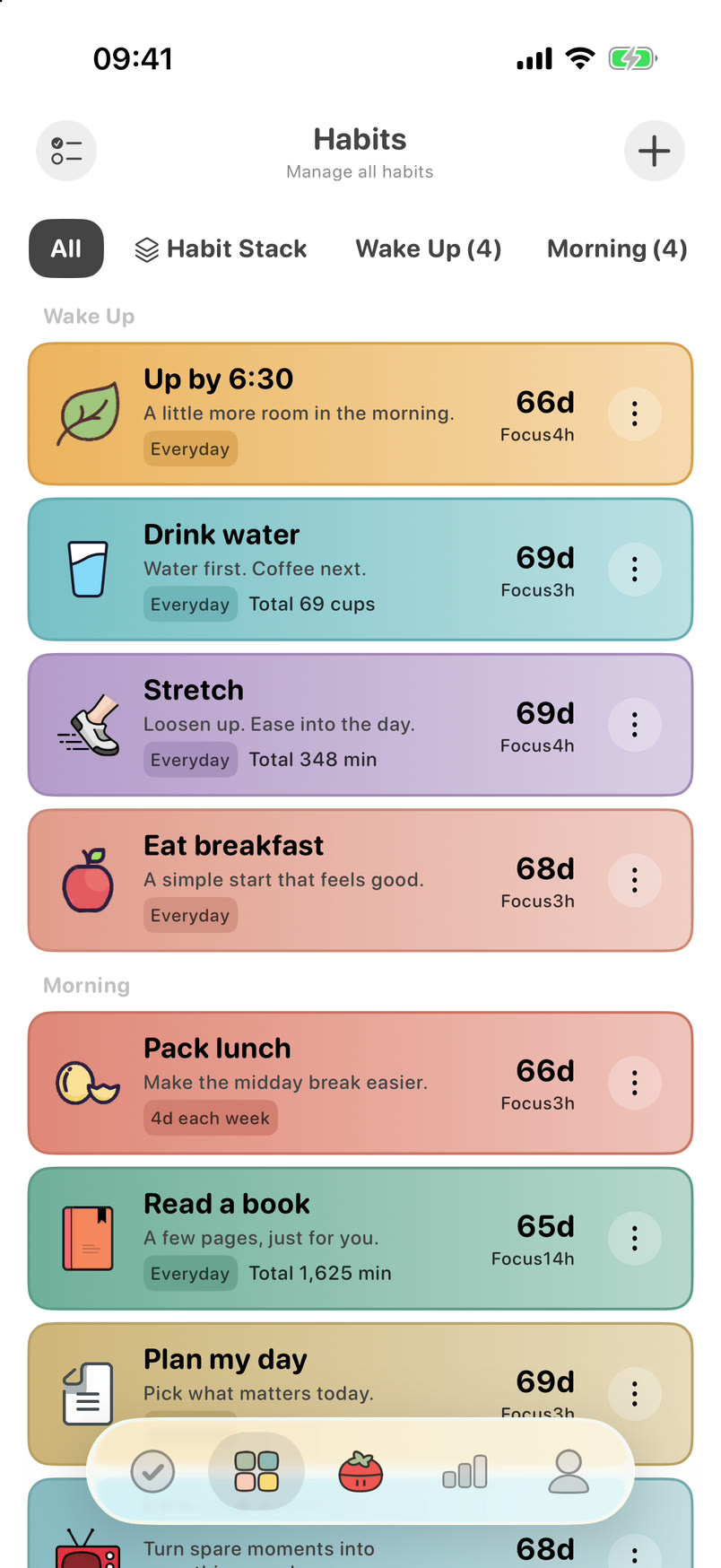
- Organize your habits into groups like Wake Up, Morning, and Evening.
- Check in on the Today screen
- Tap a habit to check in. If you’re tracking reading time, you can see how many minutes you’ve logged right on the Today screen.
- See your streak
- Check a habit’s current streak alongside today’s progress.
Counts & Time
Log minutes, cups, and steps.
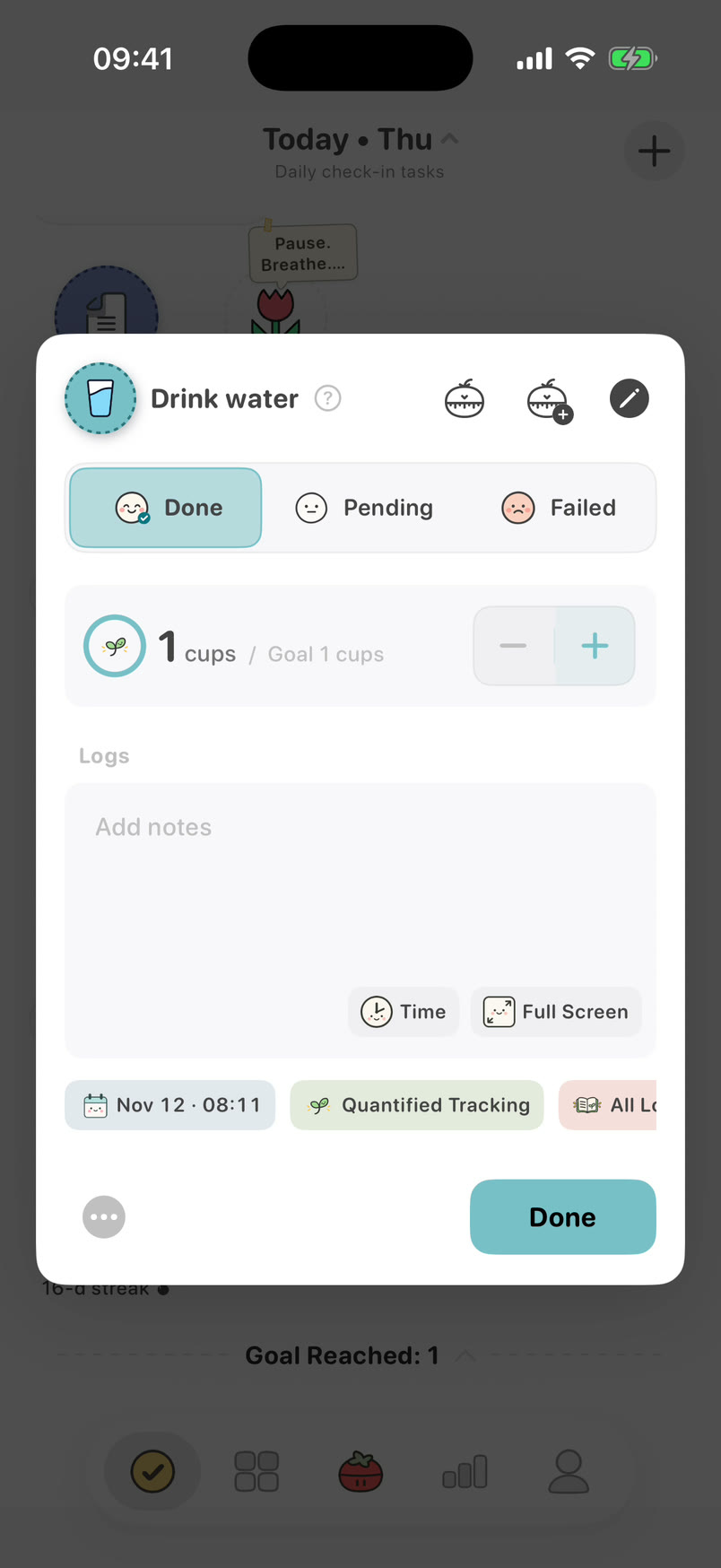
Want to read for 25 minutes a day? Log 10 minutes in the morning and 15 at night. ShineDay adds them up for you.
- Set a daily target
- Pick a unit that makes sense for the habit, like minutes for reading or cups for water.
- Log what you did
- Enter an amount when you check in to see how much you have left to reach today’s goal.
- See your totals
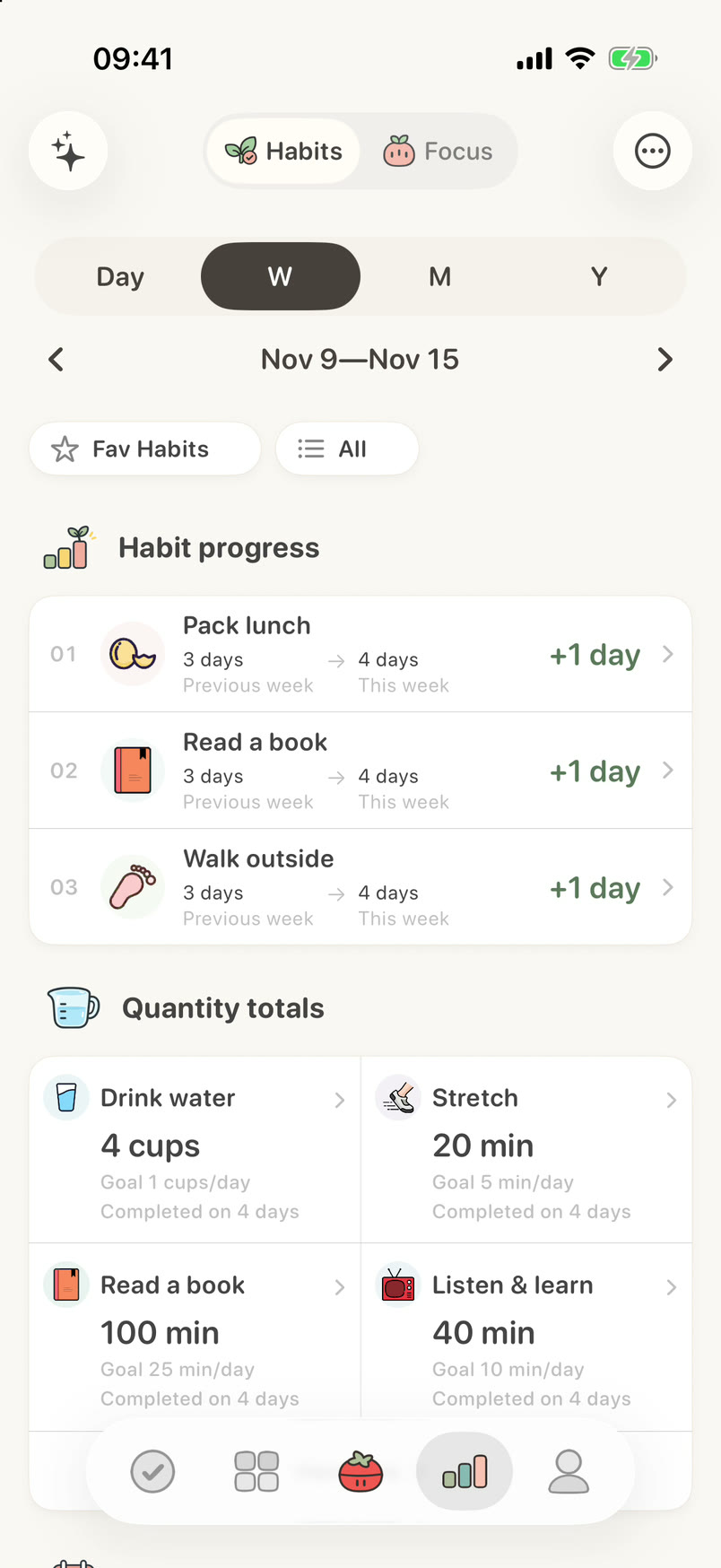
- Open Quantity totals in the habit report to see how much you’ve logged for each habit that week or month.
Habit Statistics
Review weekly and monthly check-ins.
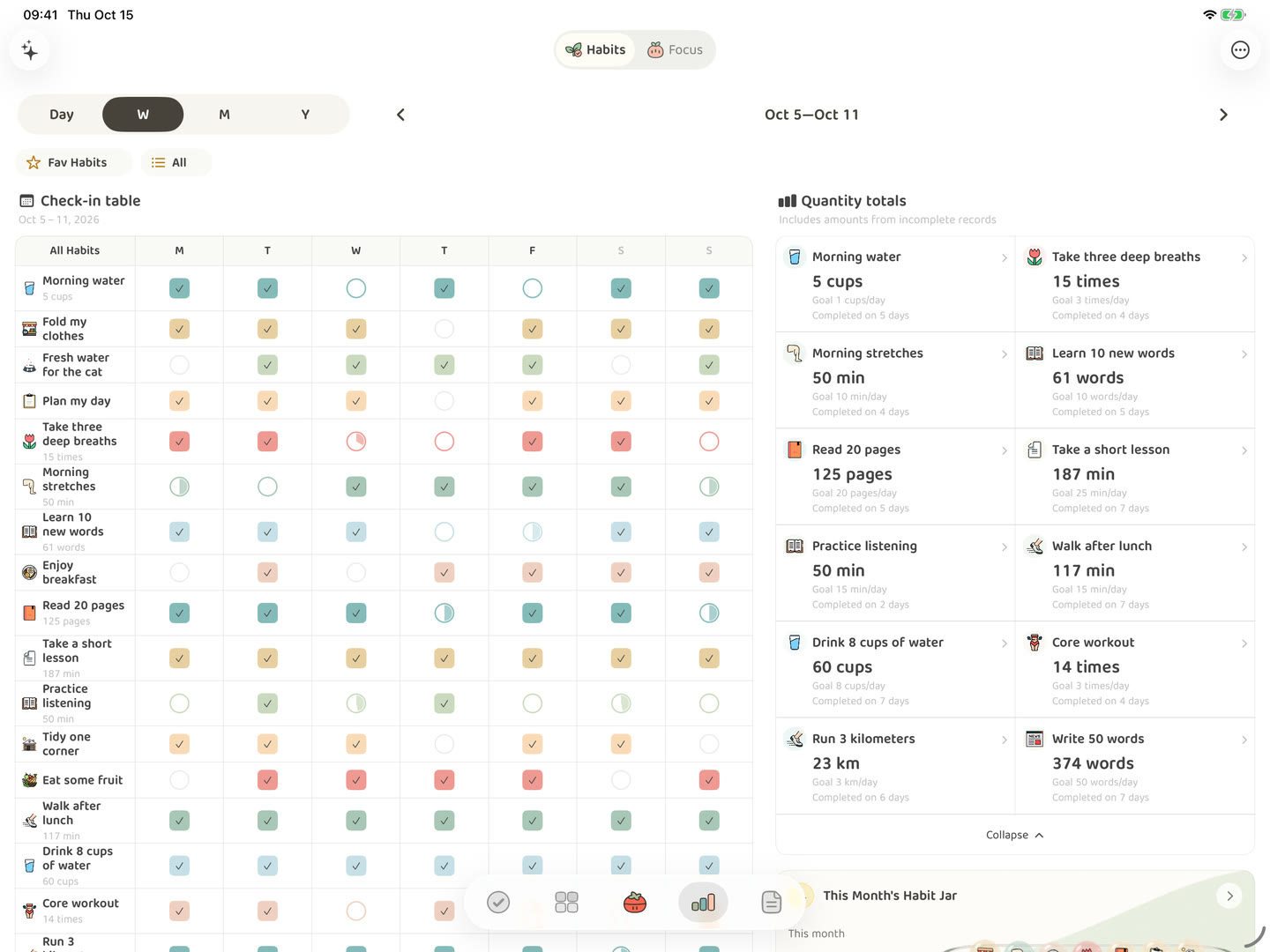
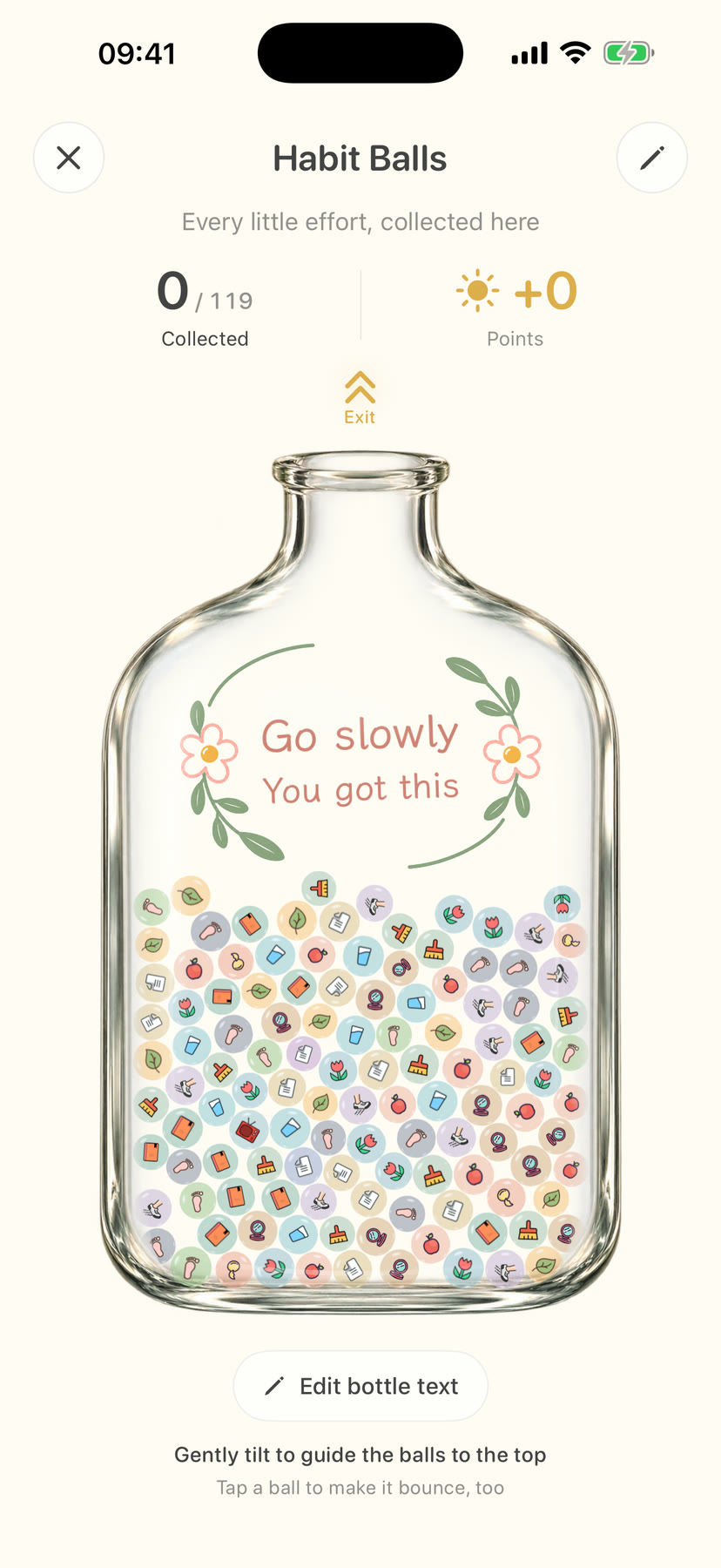
See which habits you completed each day in the Habits report. Each completed check-in also adds a ball to your monthly jar in Habit Balls.
- Read the check-in table
- Each row is a habit, and each column is a day. The colors show what you completed and which days you missed.
- View a week or a month
- Switch between weekly and monthly views to see which habits you’re sticking with.
- Explore Habit Balls
- Each ball uses the color and icon of the habit you checked off.
Habit Trends
See your progress over time.
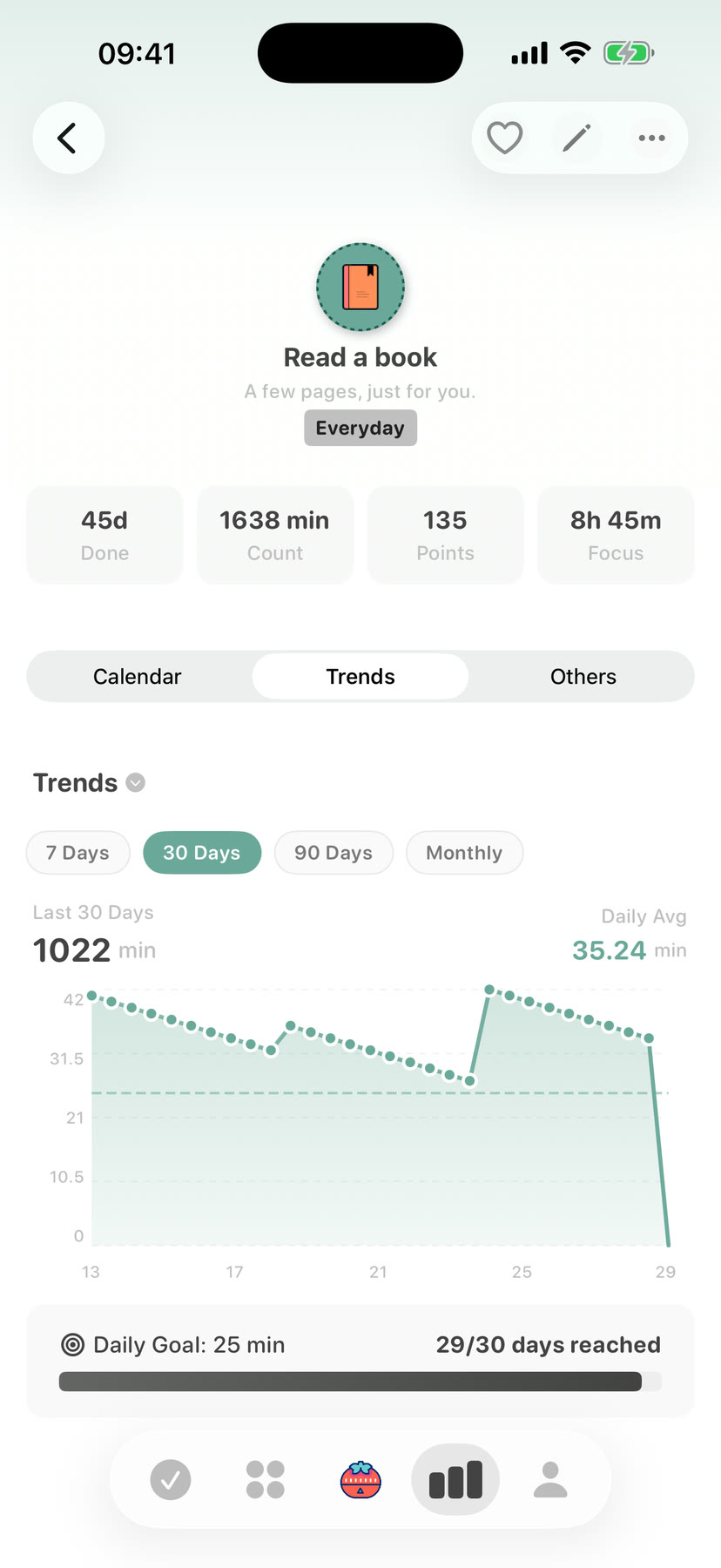
See whether you checked in more often this week than last. For a reading habit, you can see your total minutes, your daily average, and how many days you hit your goal.
- Compare check-ins
- The weekly report shows how many days you checked in for each habit this week and last week.
- Look back at specific days
- Use the check-in table or open a habit’s calendar to see individual entries.
- Choose a date range
- Switch between 7-day, 30-day, 90-day, and monthly views to see how your progress changes.
Themes & Appearance
Customize themes, colors, and icons.
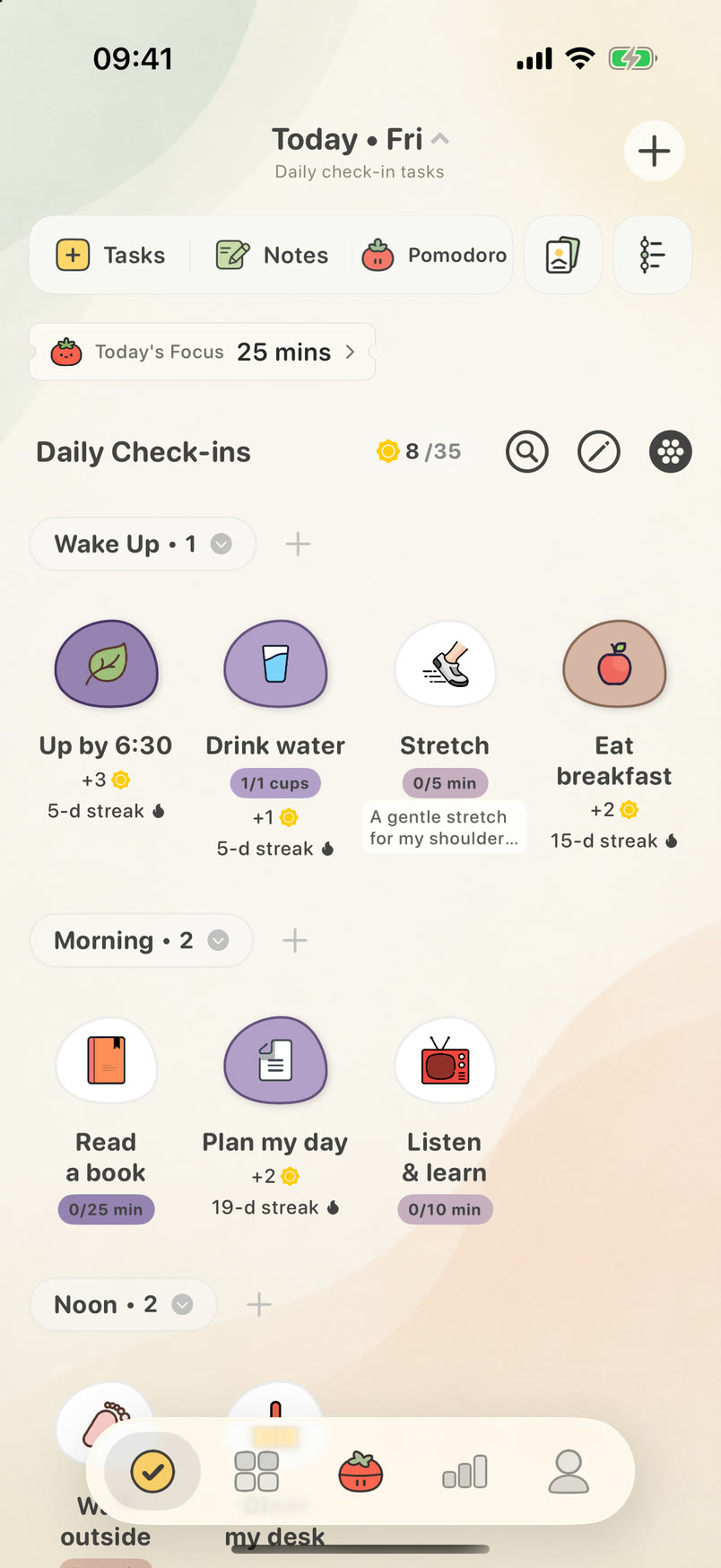
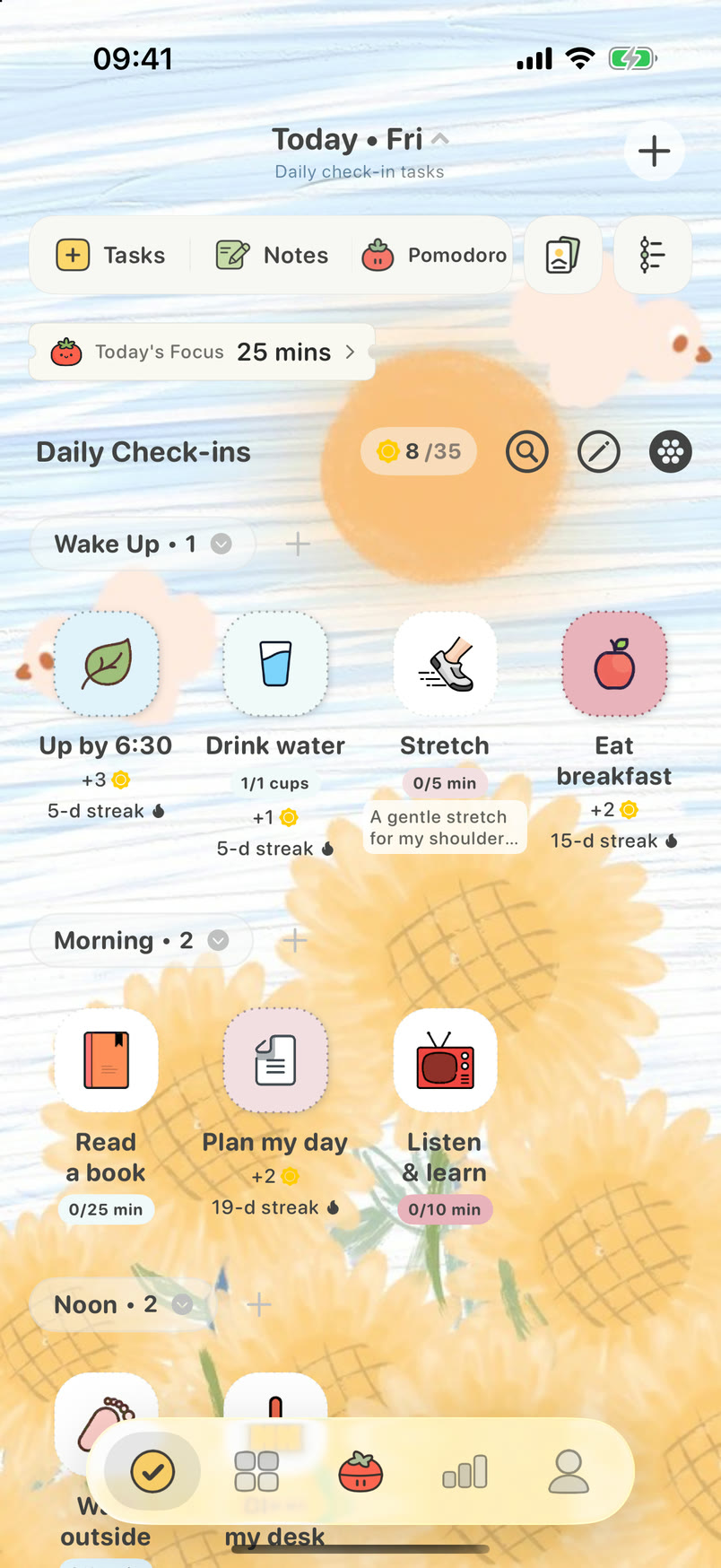
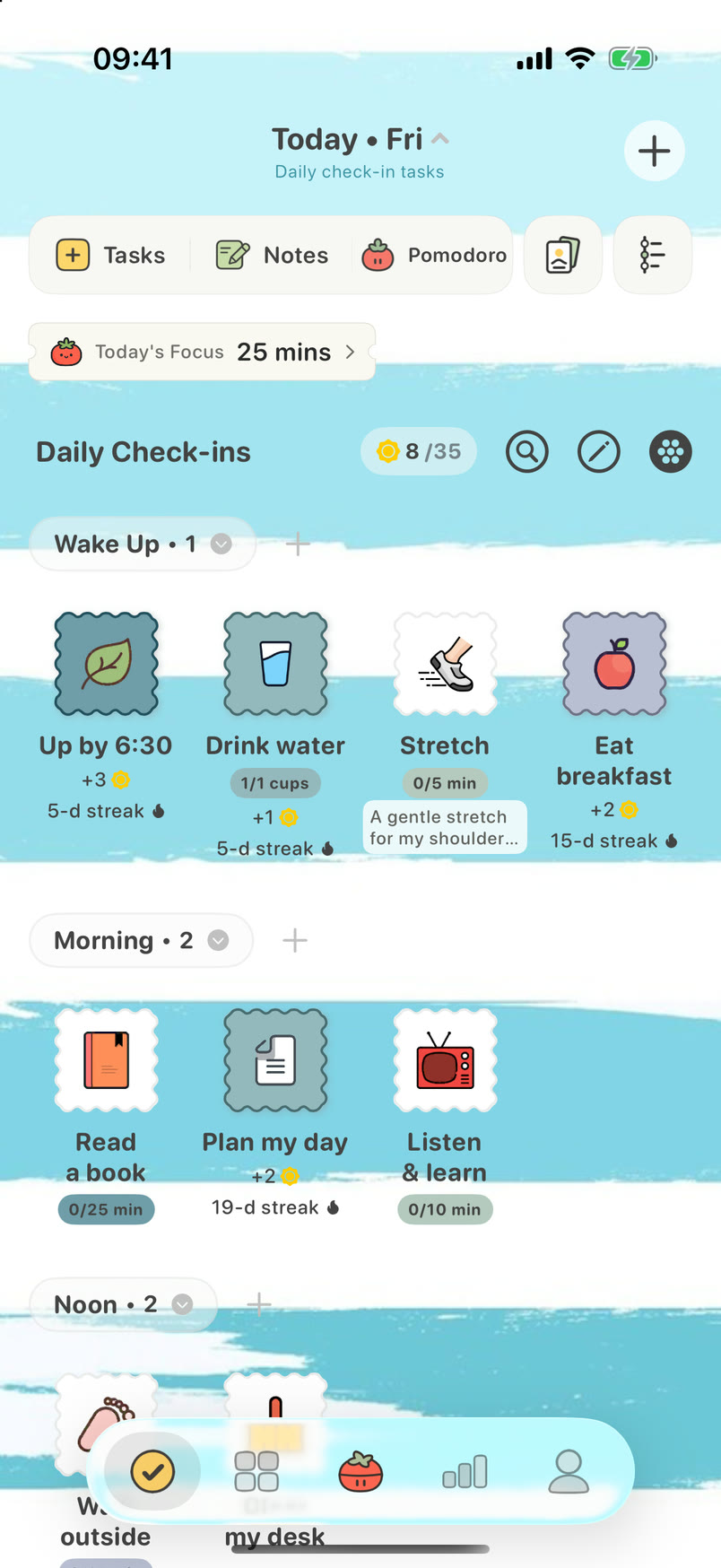
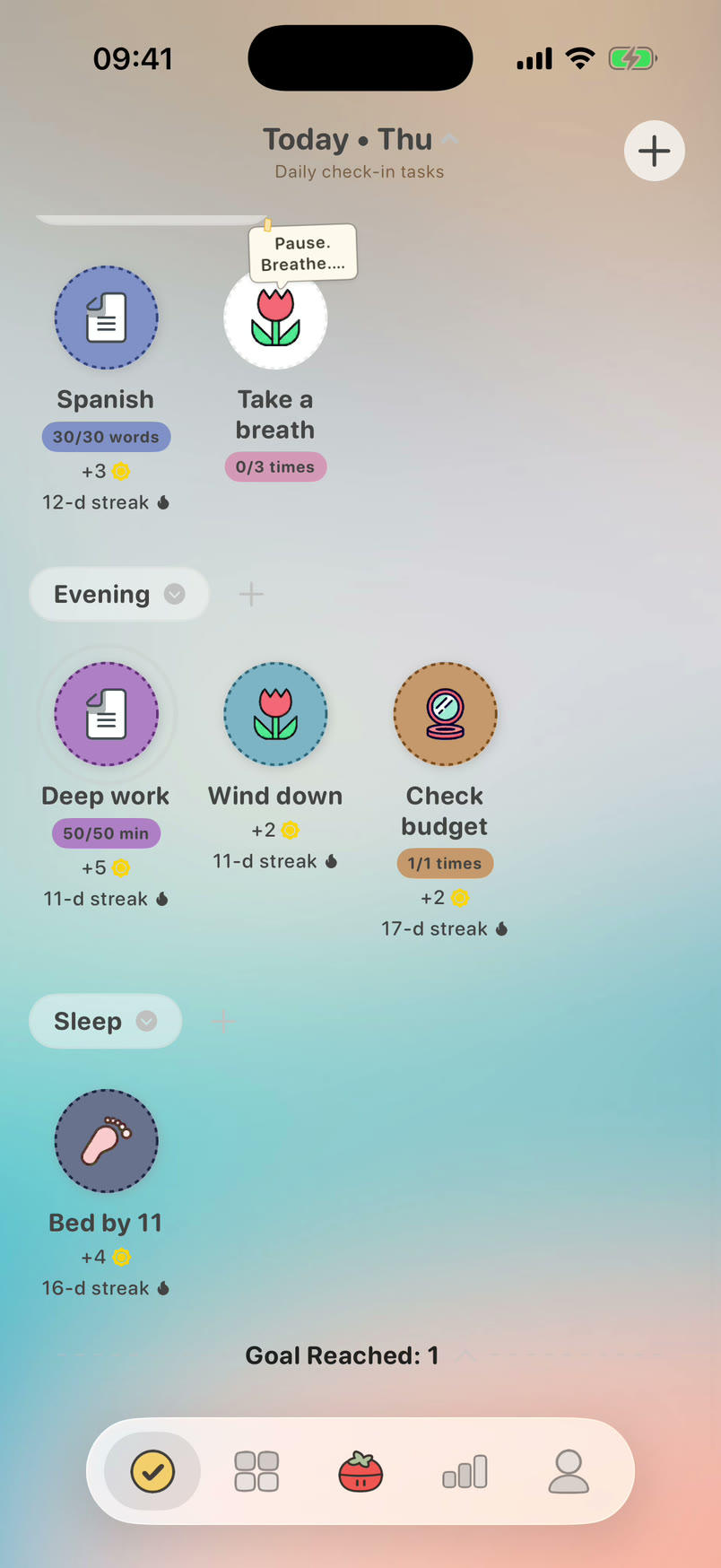
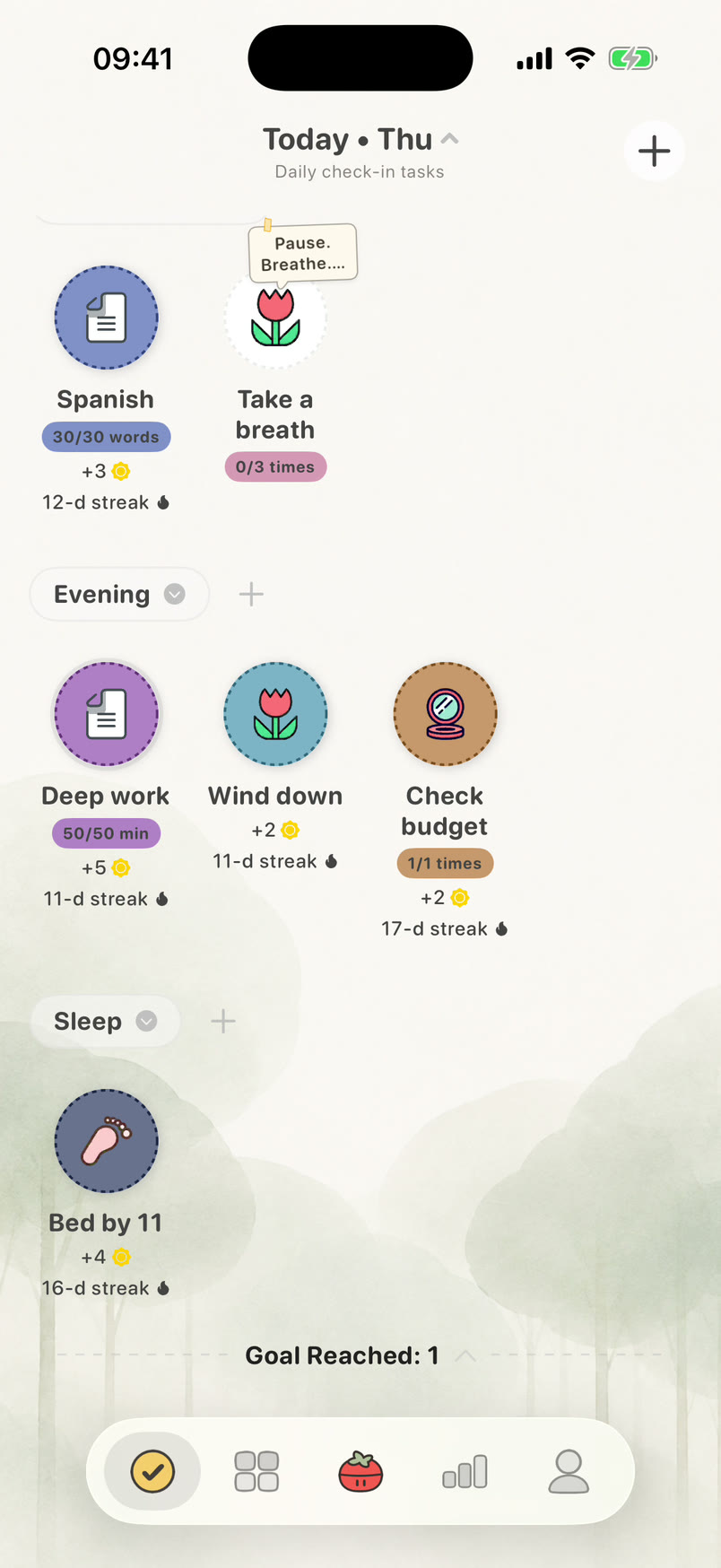
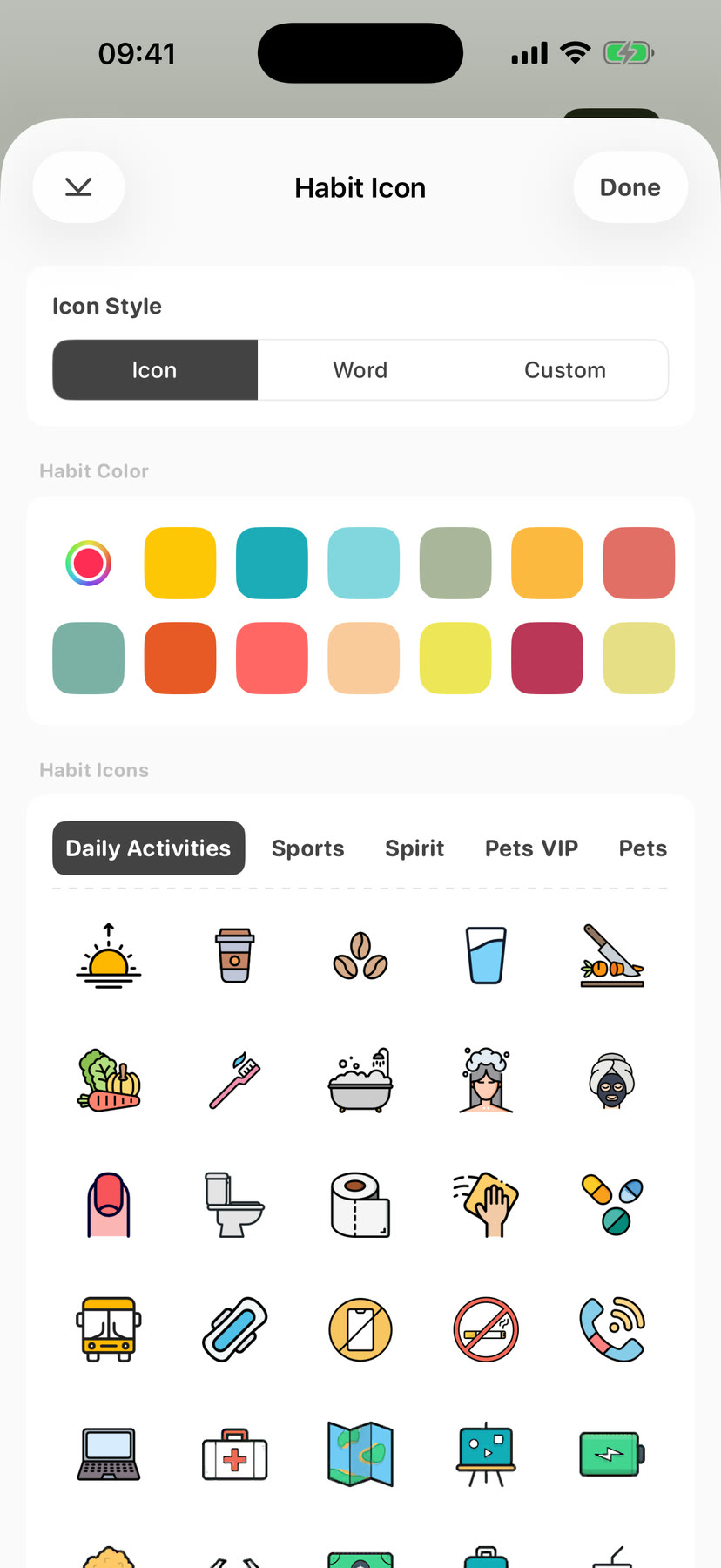
Mix and match themes, colors, and shapes for your habit icons. The gallery shows how each combination looks on the Today screen.
- Pick a theme
- Try a soft gradient like Dreamy, a leafy landscape, or a simple background.
- Find a palette you like
- Pick a palette to change the colors on your Today screen.
- Change your icon shapes
- Try outlines shaped like pebbles, stamps, or shields.
Pomodoro Timer
Track focus time by habit or project.
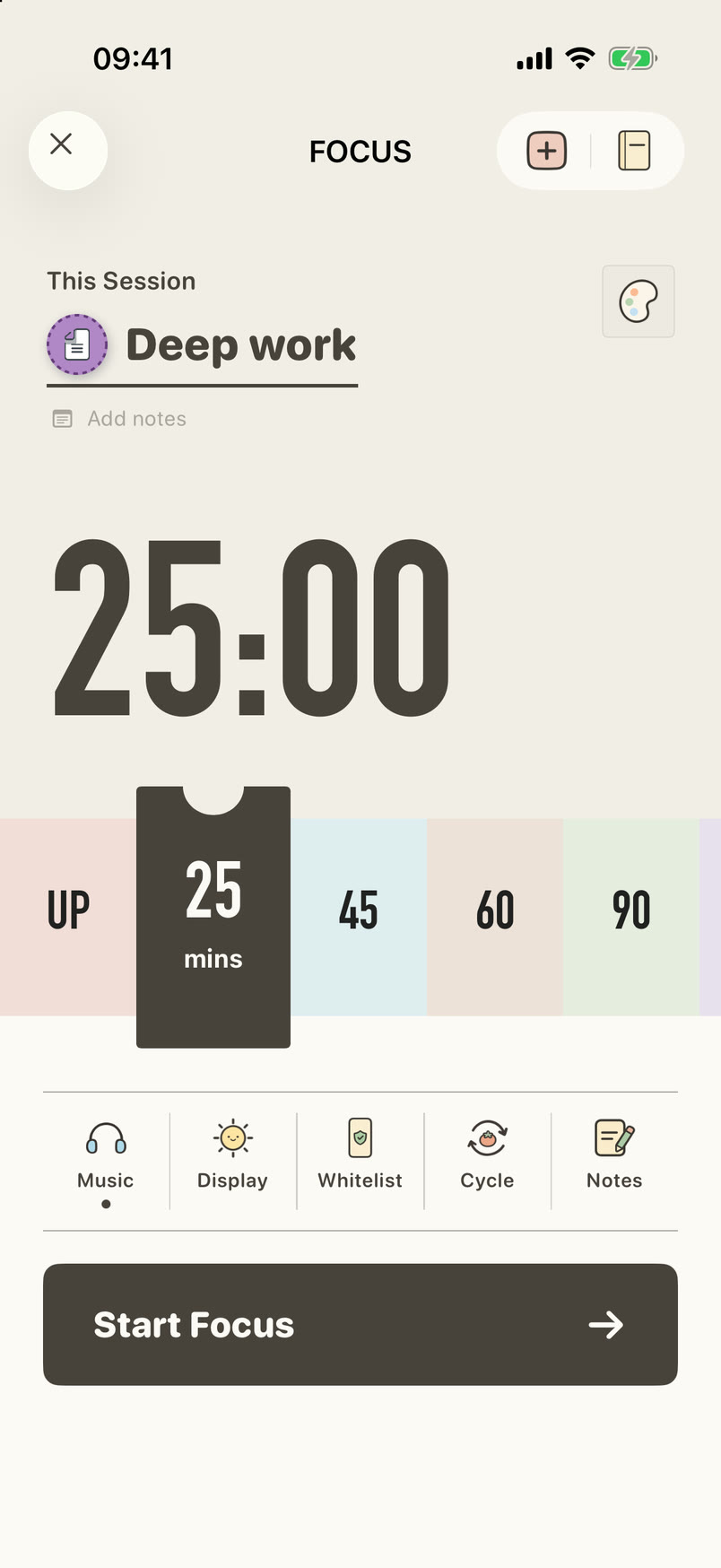
On iPhone, start a Pomodoro session for a reading habit or a project like Deep work. ShineDay logs the time under the habit or project you pick.
- Choose what to focus on
- Pick a habit or project before you start the timer.
- Set your own rhythm
- Set your focus time, the length of short and long breaks, and the number of Pomodoro cycles.
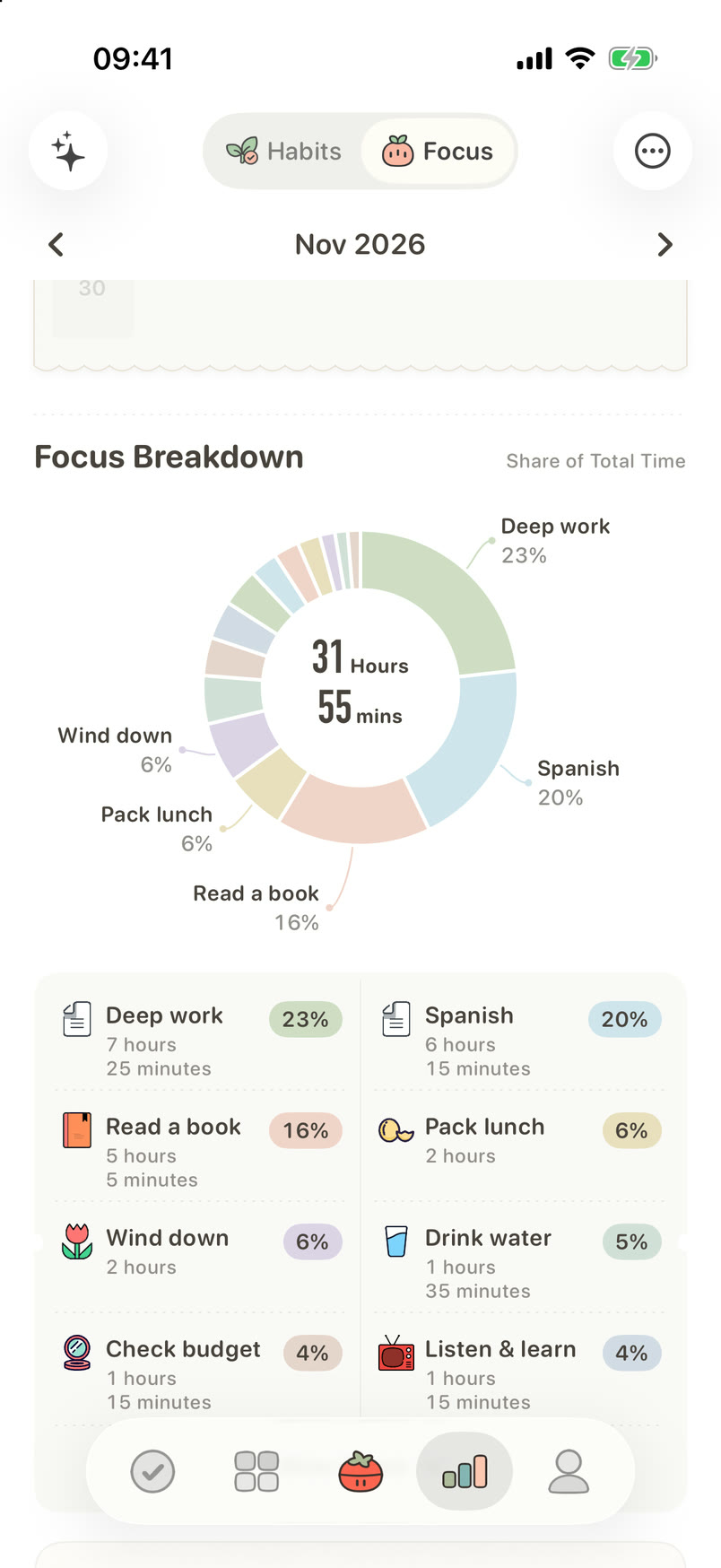
- See where the time went
- Open Focus Breakdown to see how much time you spent on each habit or project, in minutes and as a share of your total.
Tasks
Keep track of one-off tasks.
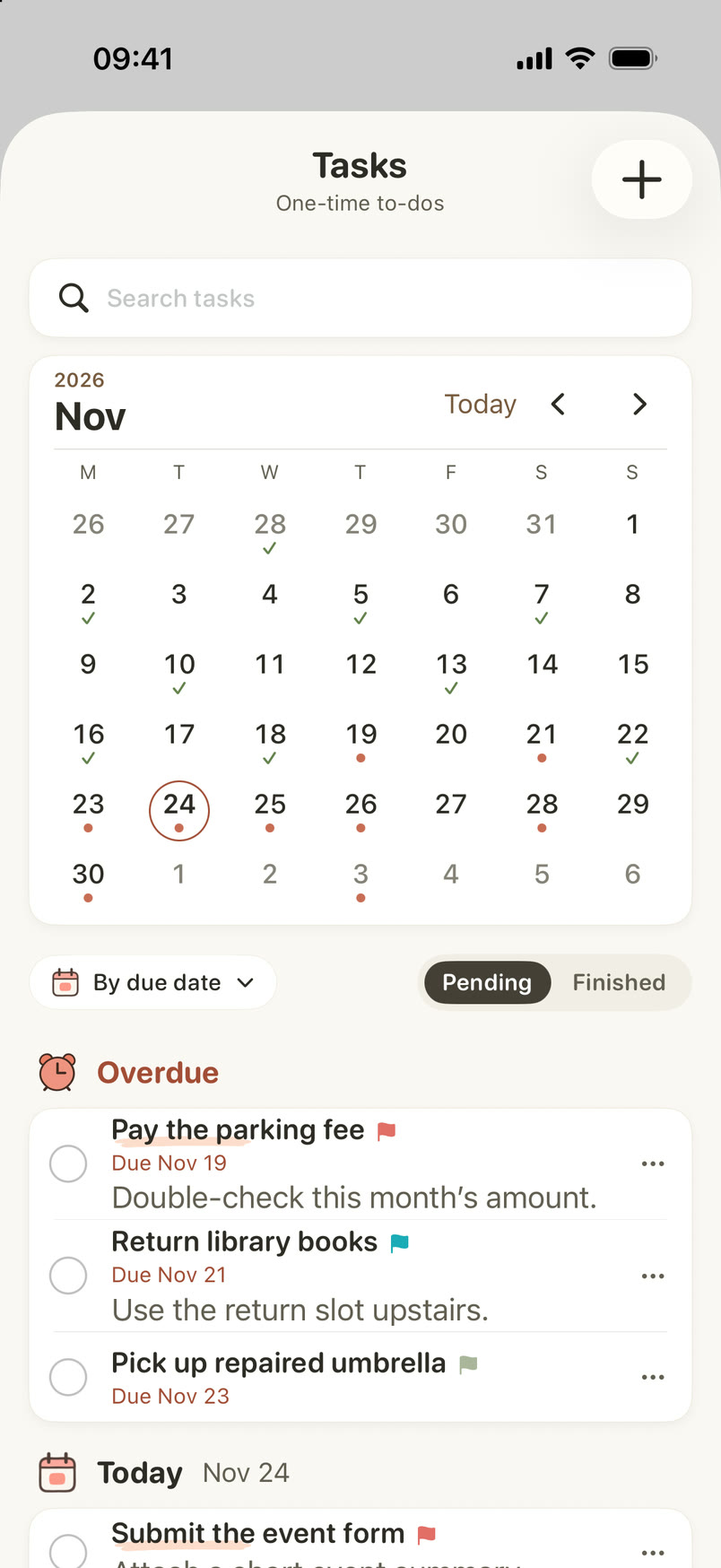
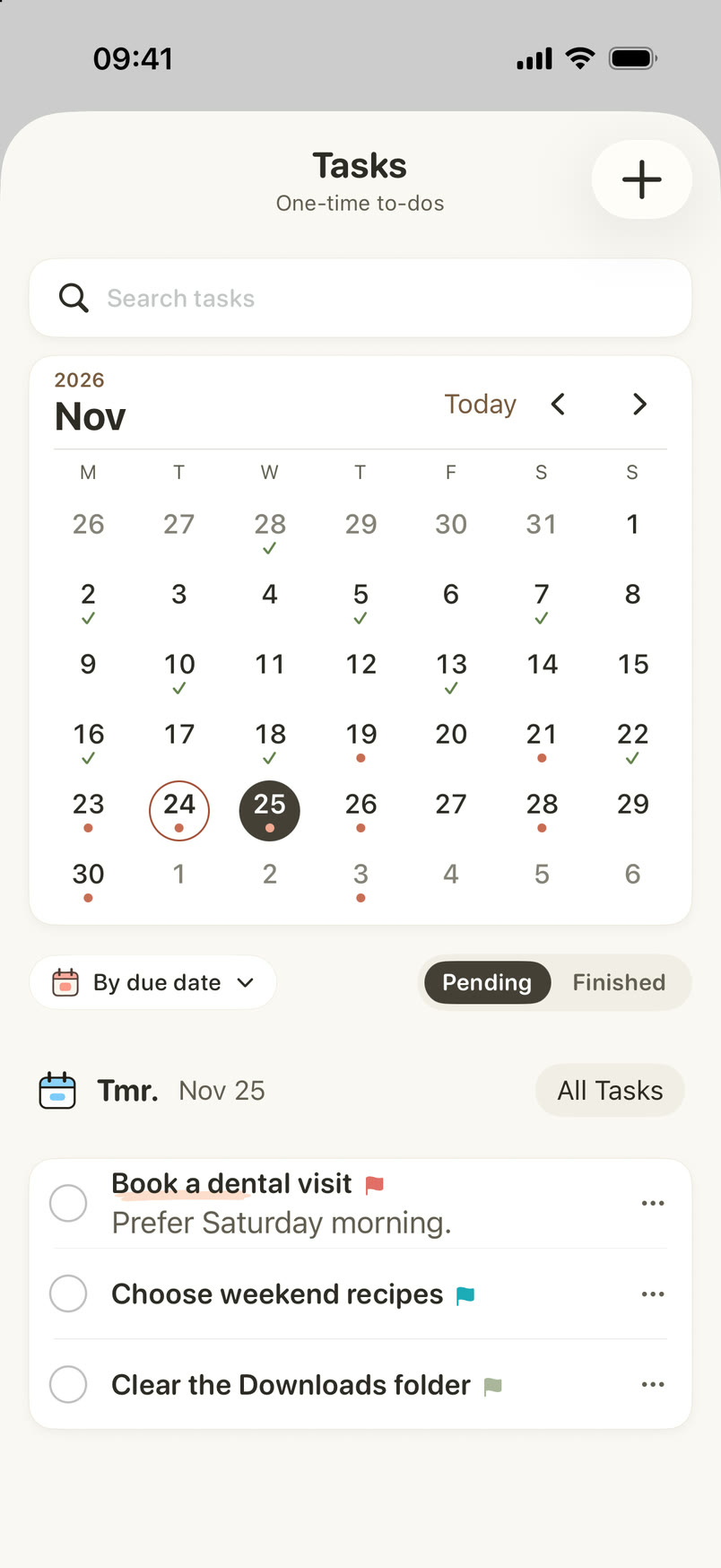
Add tasks like returning library books, set due dates and priorities, and see what’s left to do.
- Add a task from the Today screen
- Add an errand as soon as you think of it, or open the task list to plan ahead.
- Organize by date or priority
- Add a due date and mark what matters most so you can find it again quickly.
- Check it off
- Check off tasks as you finish them. You can switch between open and completed tasks.
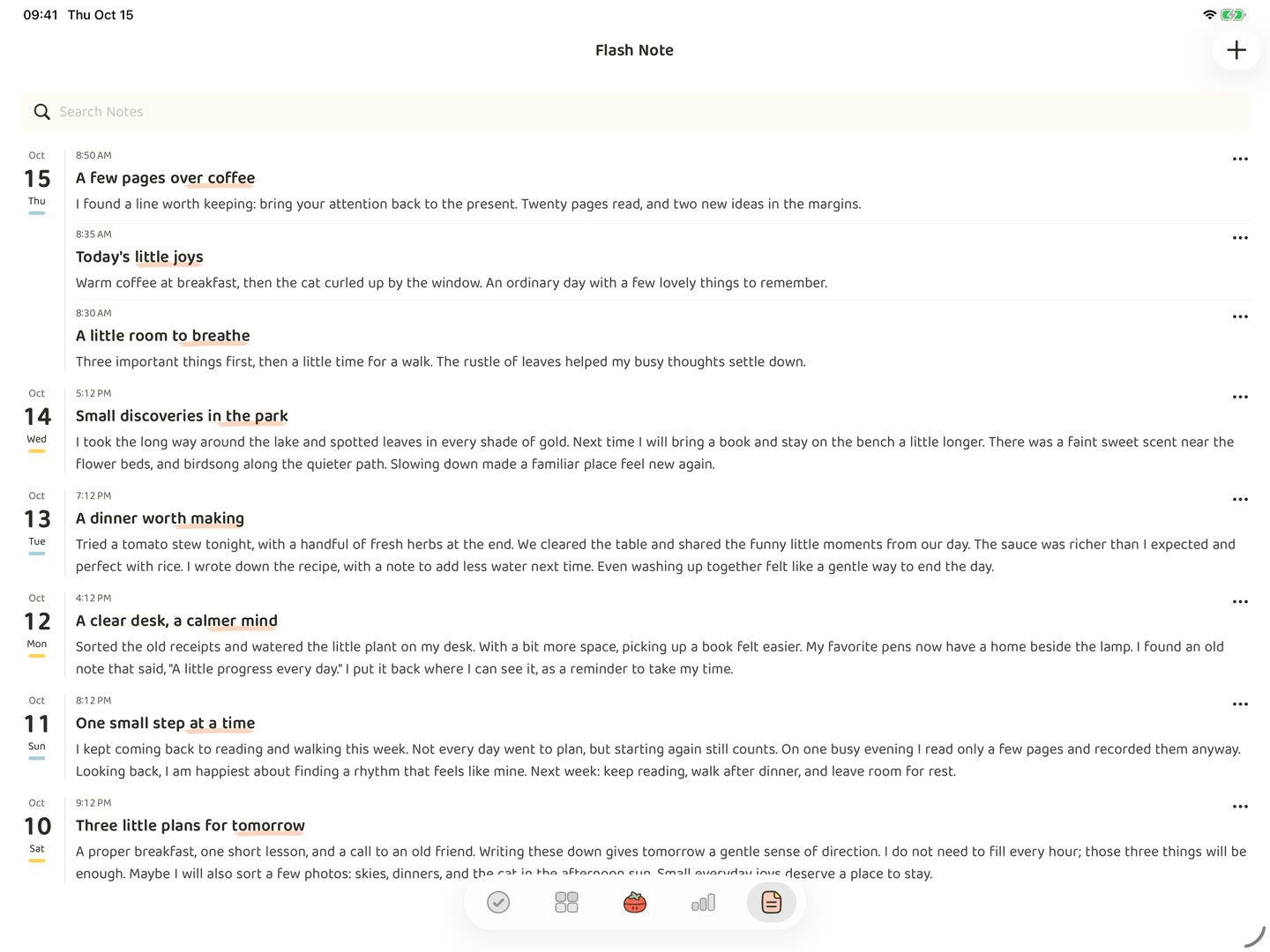
Flash Notes
Jot things down and find them later.
Jot down an idea or write a longer reflection in Flash Notes. Browse by date or search for a word you remember.
- Write a little or a lot
- Save a few words or add a title and write something longer.
- Browse by date
- Find your notes in the order you wrote them.
- Find a past note
- Search the list for a word or phrase you remember.
Download ShineDay